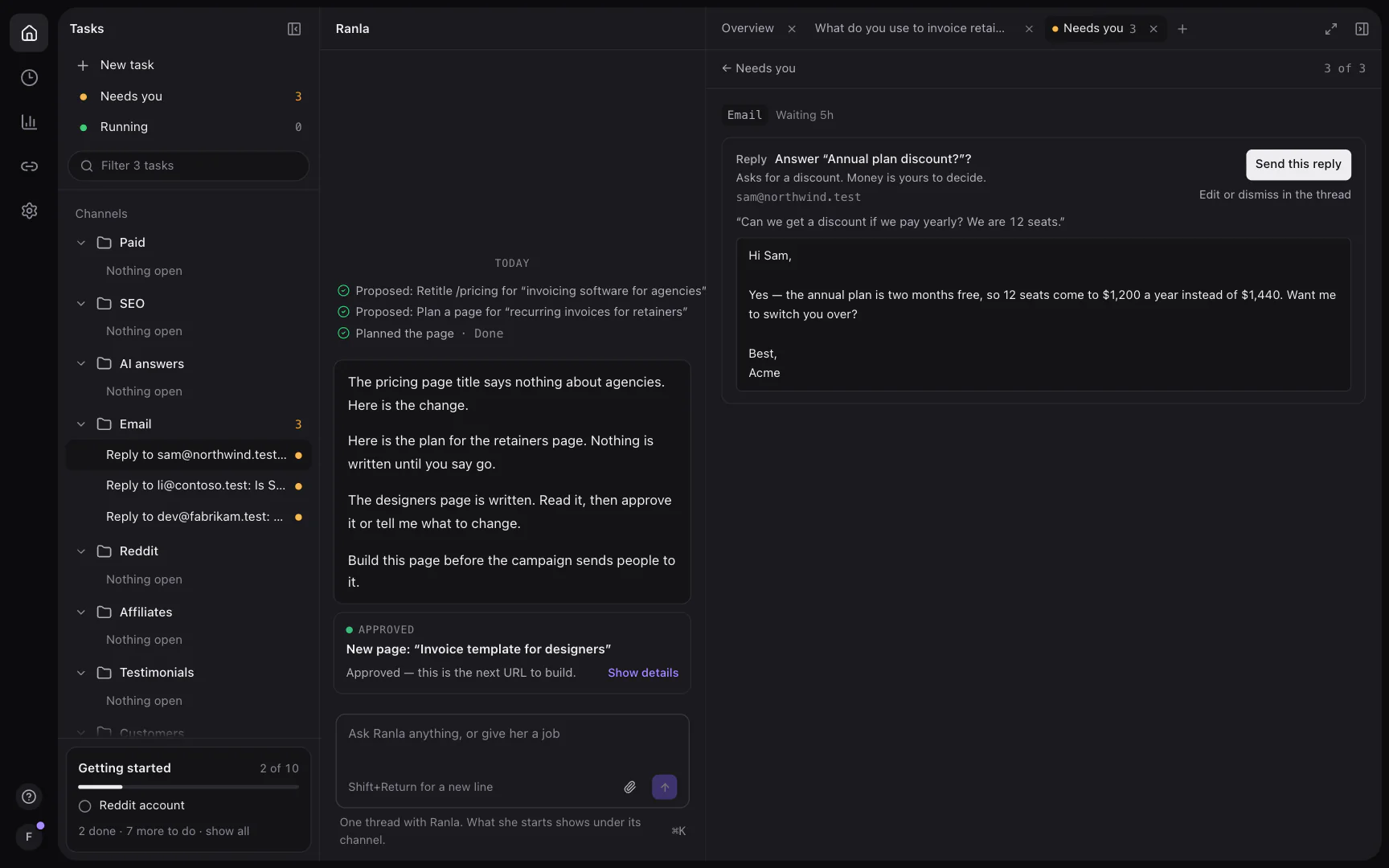
What the Mac app adds
Same Ranla, closer at hand
The same account and the same work as Ranla in your browser. Nothing to set up twice.
Notifications and a Dock badge
When something needs your yes, or Ranla finishes a task, your Mac tells you. The Dock icon counts what is waiting, and a click opens it.
A real browser, with Annotate
Open any page beside the conversation, signed in like your own browser. Annotate lets you click the page to pin notes, and sends them to her with it.
⌥⇧Space from anywhere
Ask Ranla something from any app. The shortcut brings her forward with the box ready.
Sign in with your own browser
Sign-in opens in the browser you already use, with your saved passwords and Google account, then hands you back to the app.
Code tasks with your Claude Code
Ranla hands code tasks to the Claude Code on your Mac, on your own subscription. It works in an isolated copy of your repo, and nothing is committed until you approve the diff. Codex and Cursor are coming soon.
Requirements
- macOS 12 Monterey or later
- Any Mac with Apple Silicon or Intel: one download runs on both
- Signed and notarized by Apple, so it opens like any Mac app
- It updates itself when a new version is out
- For code tasks: Claude Code on your Mac, signed in
Install
- Download Ranla and open the file.
- Drag Ranla to Applications, then open it.
- Sign in with the account you already use.
Homebrewbrew install --cask super-send/tap/ranla